¶ When to Use This Guide
- Use this guide when the air unit loses video during operation and you need to replace the coaxial cable as part of troubleshooting.
¶ What You Need
¶ Required Items
- One new coaxial cable
- Tweezers
- 704 silicone adhesive
¶ Replacement Procedure
¶ Step 1: Disassemble the Air Unit
- Remove the air unit housing and take out the PCB. The disassembly procedure varies by air unit model and is not covered in detail in this guide.
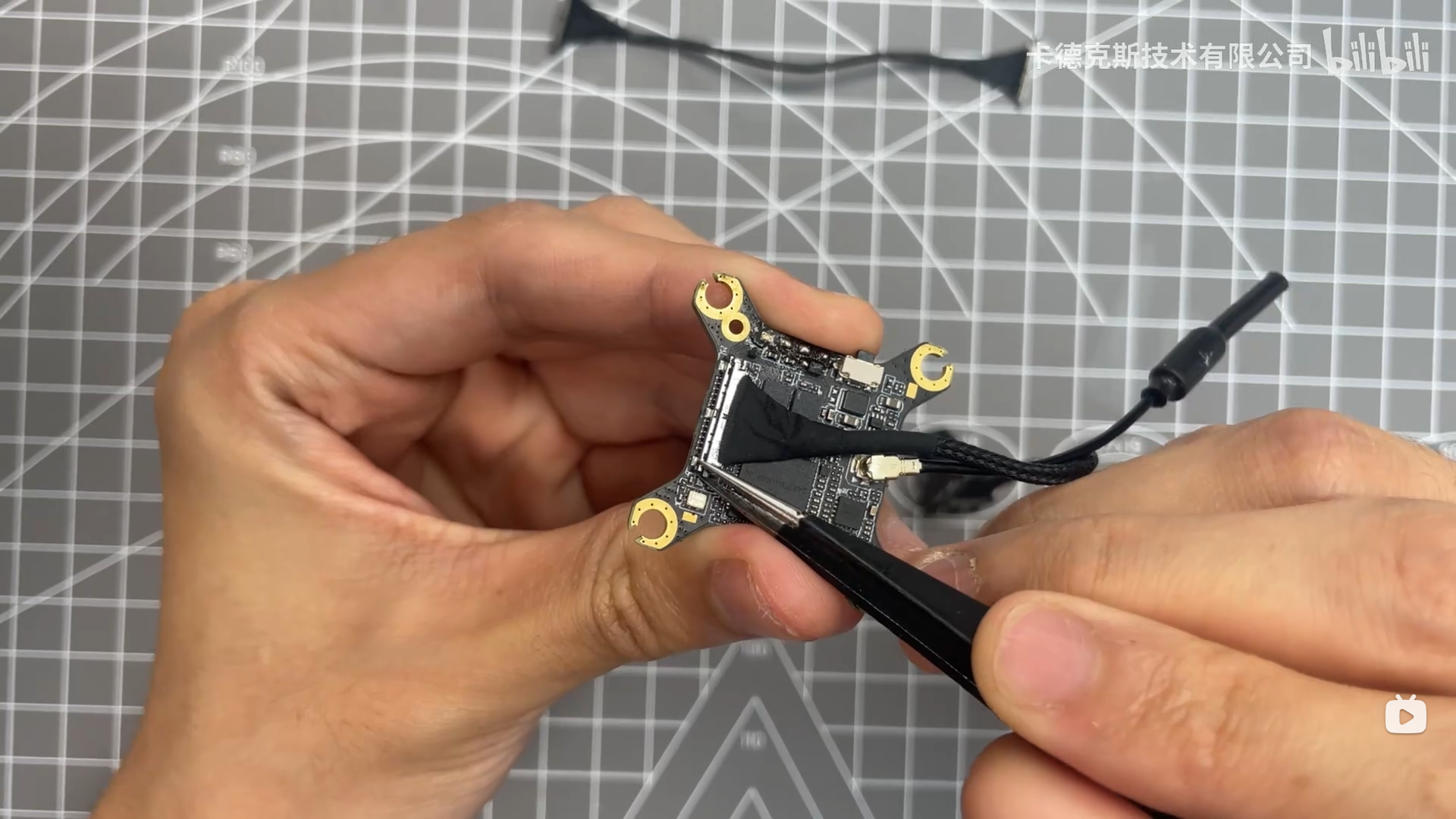
¶ Step 2: Disconnect the Coaxial Cable from the Air Unit
- Carefully use tweezers to disconnect the coaxial cable connector.
- Lift one edge of the connector and separate it vertically from the PCB. Do not pull or pry the connector sideways, as this may damage the connector or PCB.
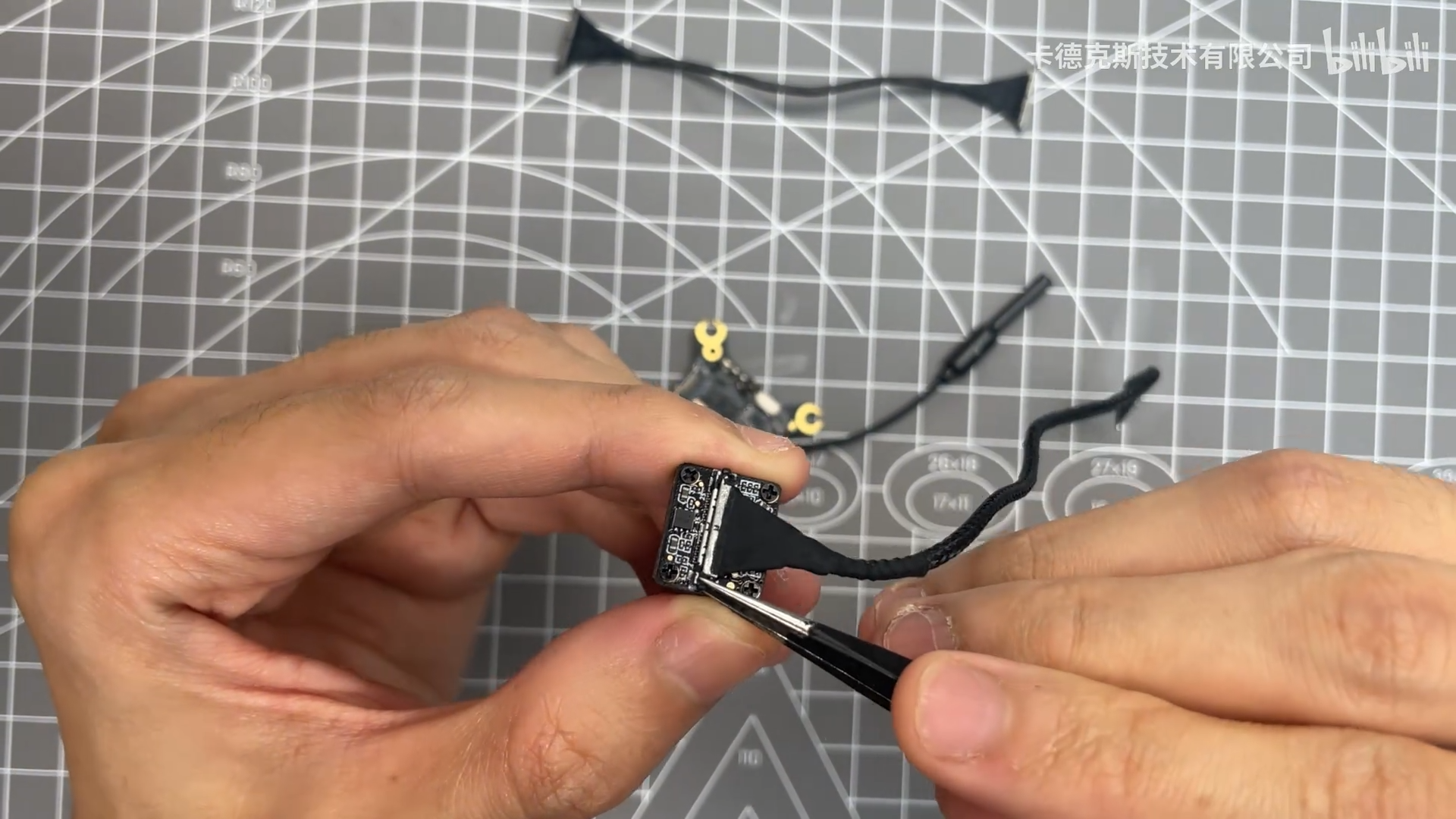
¶ Step 3: Disconnect the Coaxial Cable from the Camera
- Use the same method to carefully disconnect the coaxial cable from the camera.
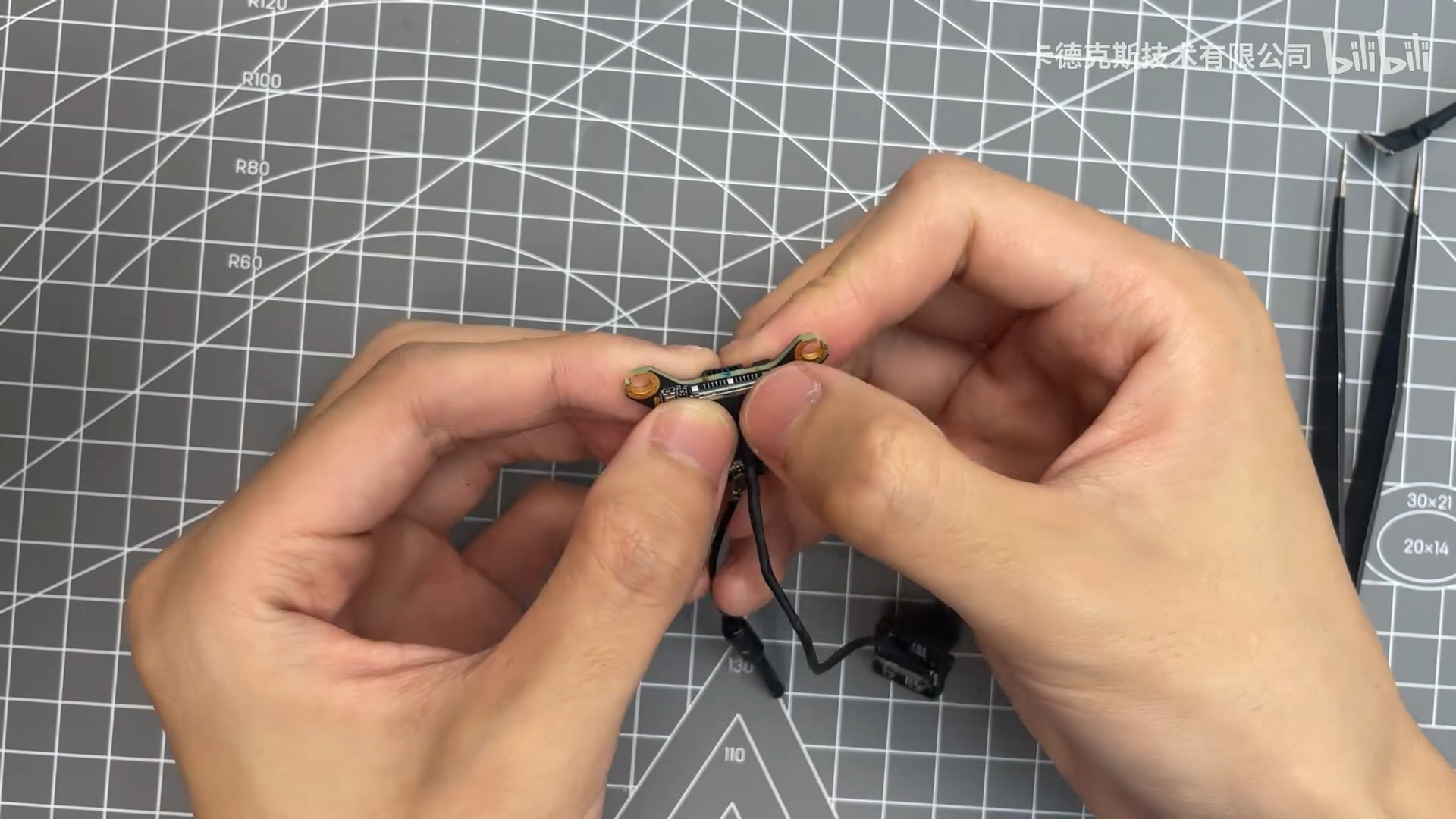
¶ Step 4: Install the New Coaxial Cable
- Connect the new coaxial cable to both the air unit and camera.
- Align each connector directly above its socket, press it straight down vertically, and make sure it is fully seated.
¶ Step 5: Secure the Connectors with Adhesive
- If the video issue has been resolved, apply a small amount of 704 silicone adhesive to both sides of each coaxial cable connector to help secure it in place.
¶ Video Tutorial
¶ Important Notes
Coaxial cables from different manufacturers may not be compatible. Use replacement coaxial cables purchased through official CADDXFPV or Walksnail channels.
Be careful when disconnecting the coaxial cable to avoid damaging the PCB or coaxial cable connectors.