- The devices must be bound after purchasing a new product or restoring the device to its factory settings.
- A small cooling fan
- A SIM eject pin or similar pointed tool
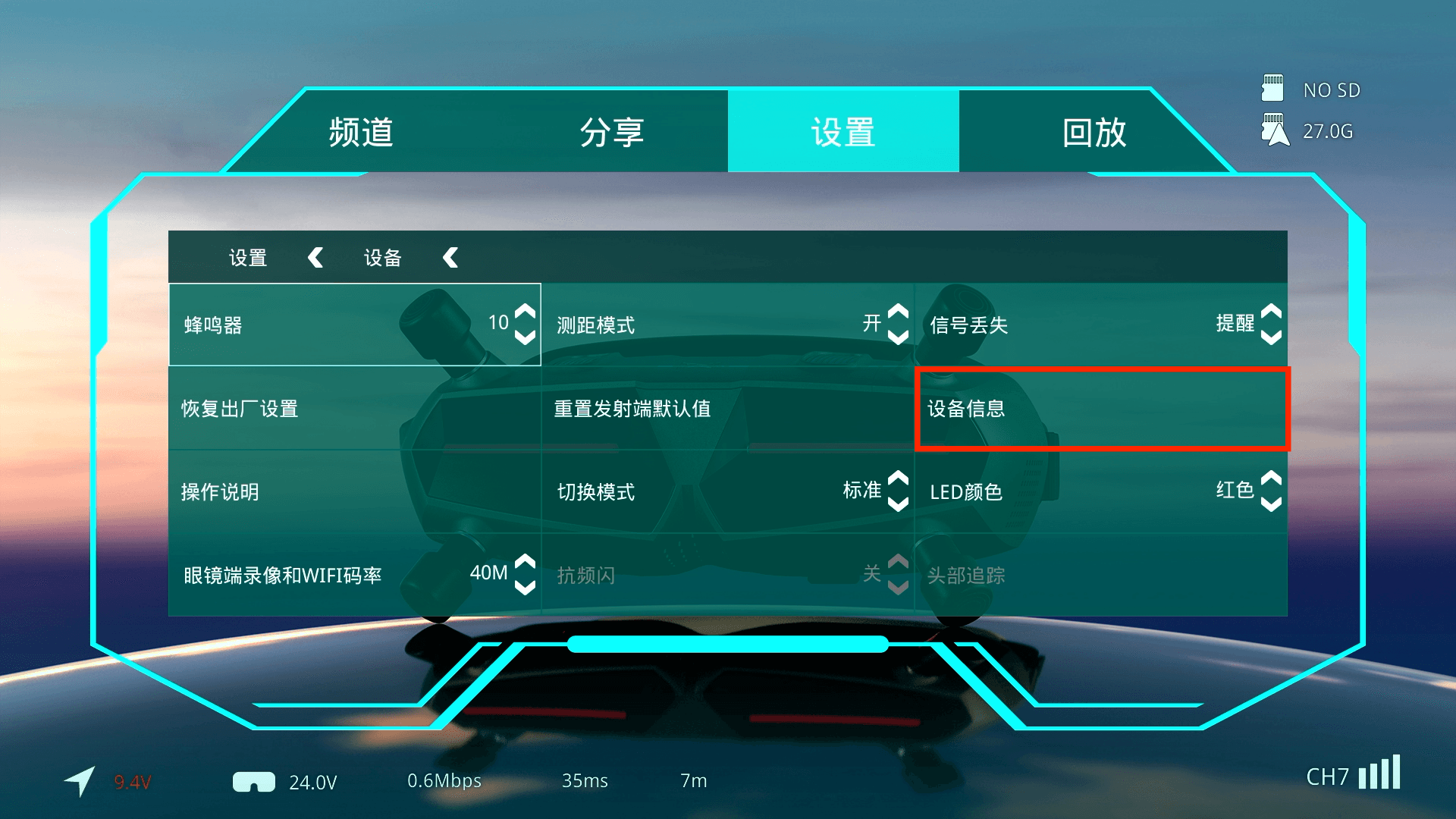
- Go to Settings > Device > Device Information.
- The current firmware version is displayed on the Device Information page. Before binding the devices, ensure that they are running the latest firmware version.
- Refer to the product manual and supply each device with the correct voltage. Ensure that the power source can provide sufficient current for stable operation.
- Briefly press the Bind button on the air unit. The LED will change from rapidly flashing green to solid red.
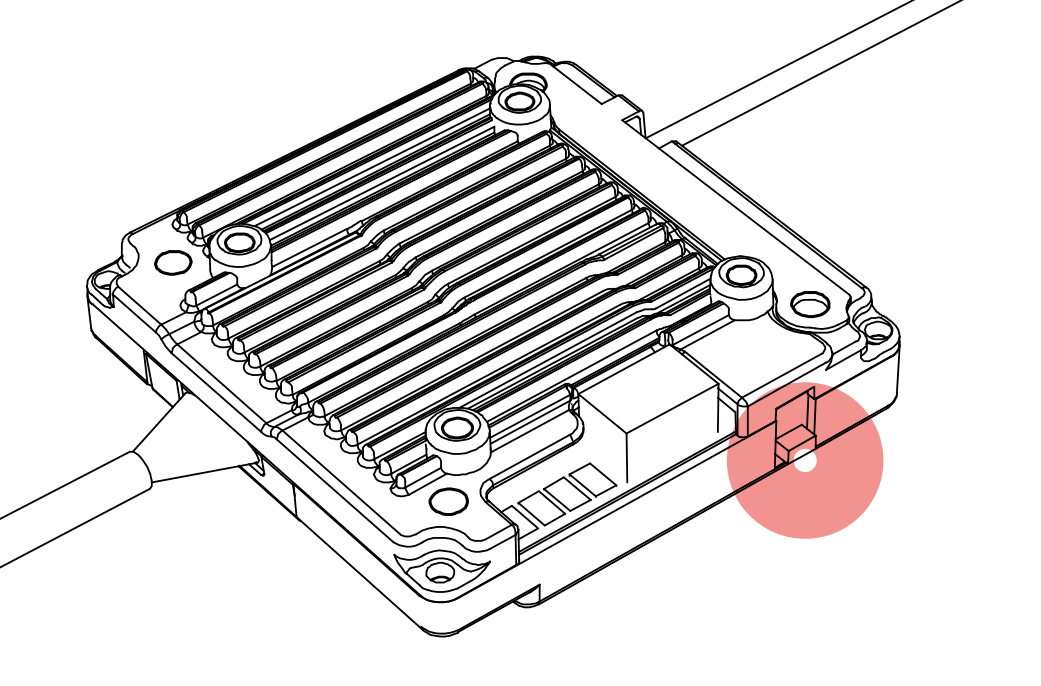
- Use the SIM eject pin to press the Bind button on the receiver unit. The buzzer will begin beeping continuously.
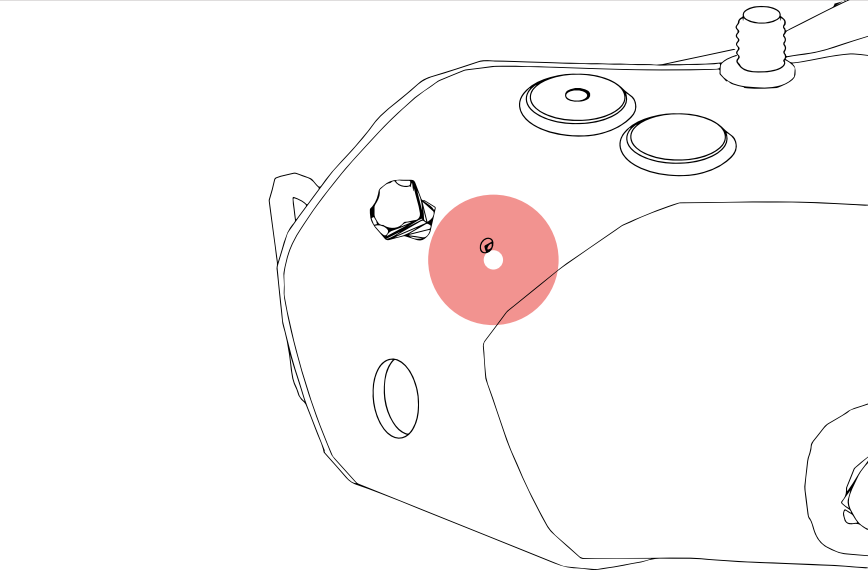
- When binding is successful, the receiver unit will stop beeping and display the live video feed normally.
- Some devices, such as the Avatar GT and Avatar Moonlight, have relatively high power requirements during operation. A 12 V, 2–3 A power supply is recommended to ensure stable operation.